Hi growlings! 
Jane 3.3.1 is now available on the App Store and Google Play. This is one of the biggest updates we’ve shipped in a while, so here’s a quick tour.
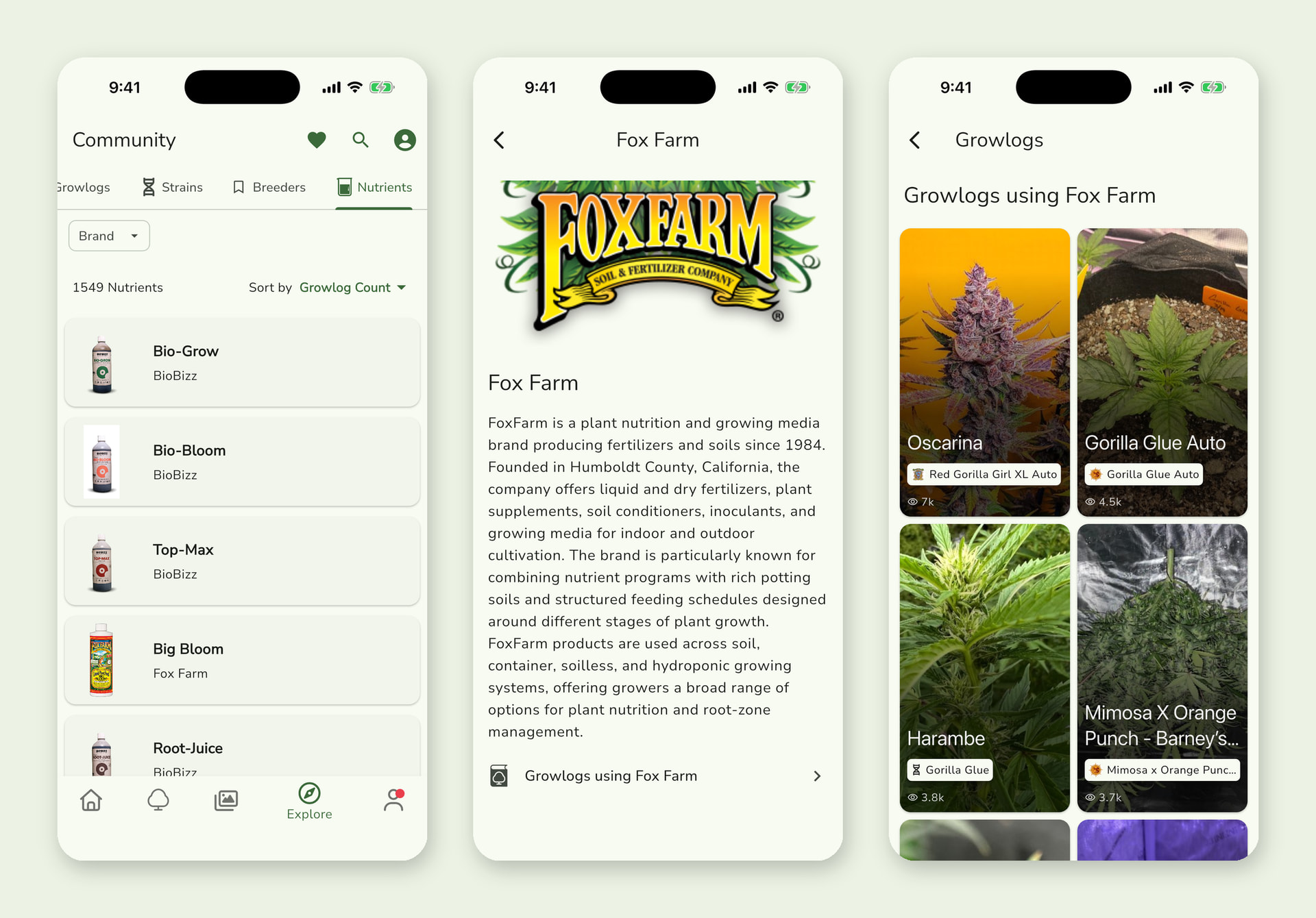
 Nutrient catalog
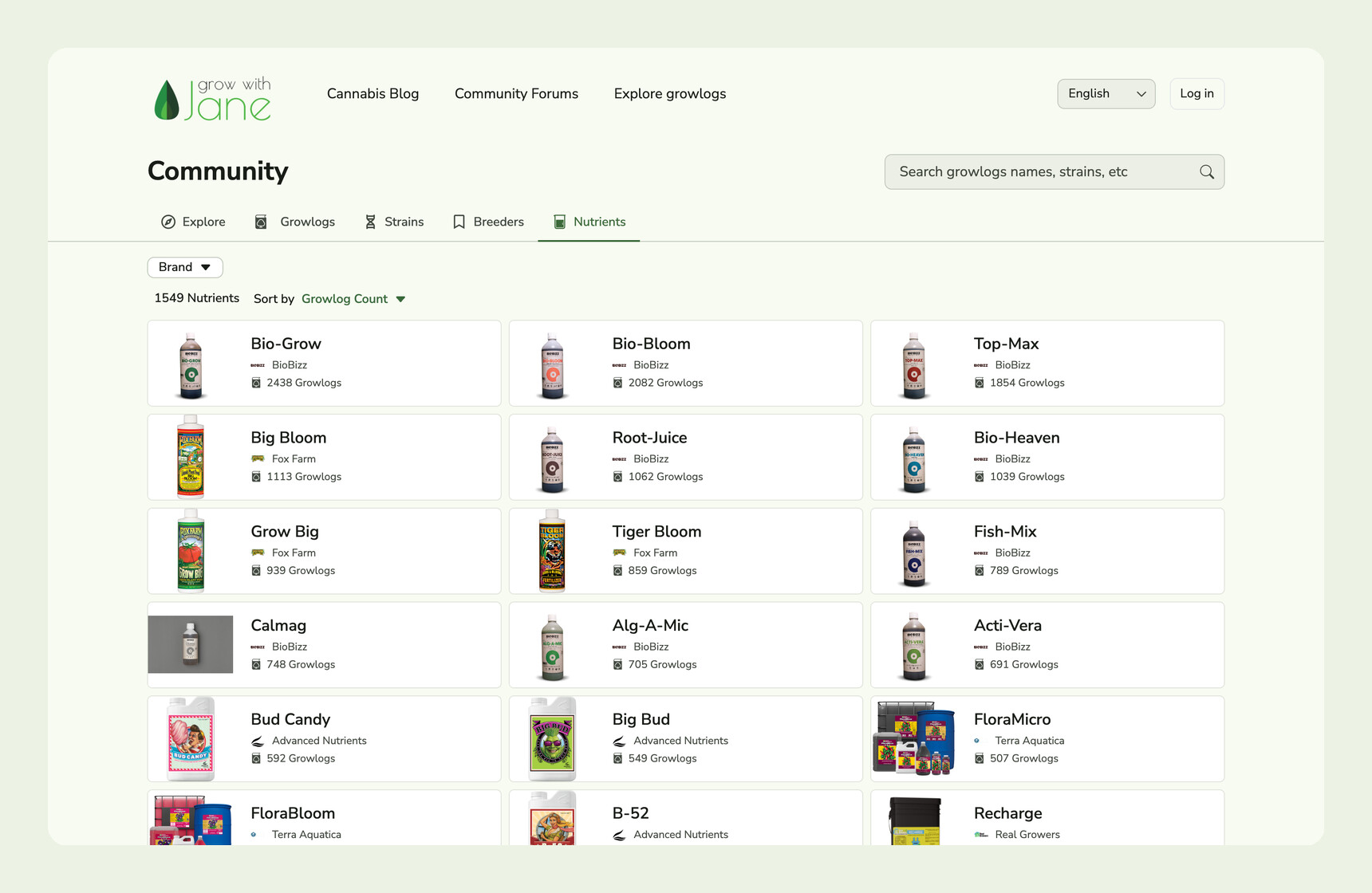
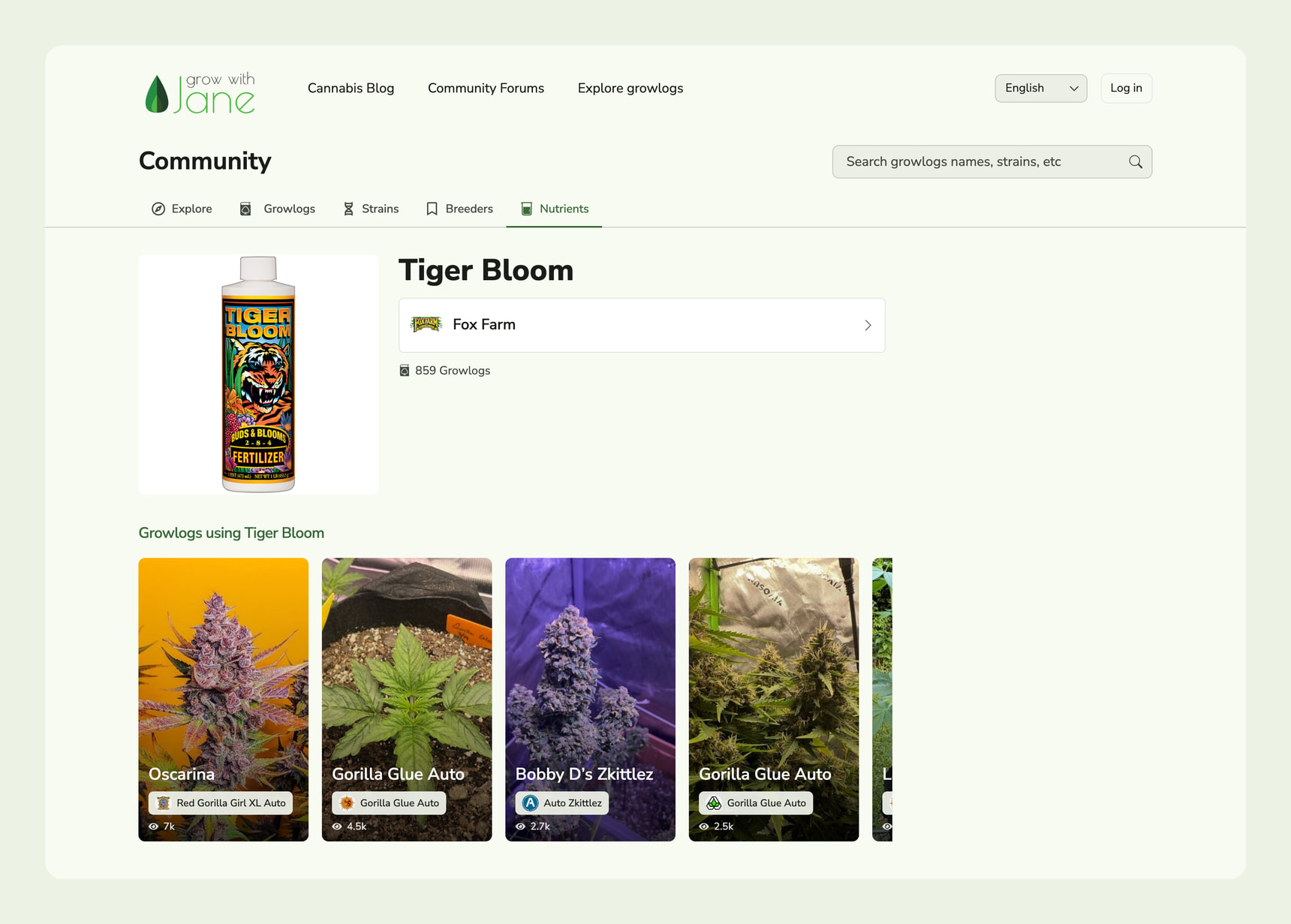
Explore has a new Nutrients tab with more than 1,500 products. Filter by brand, sort by how many growlogs use each product, and open any product or brand to see its photo, its description and the growlogs that use it.
It’s a great way to see real grows with the nutrients you’re thinking about buying.
 Better growlogs
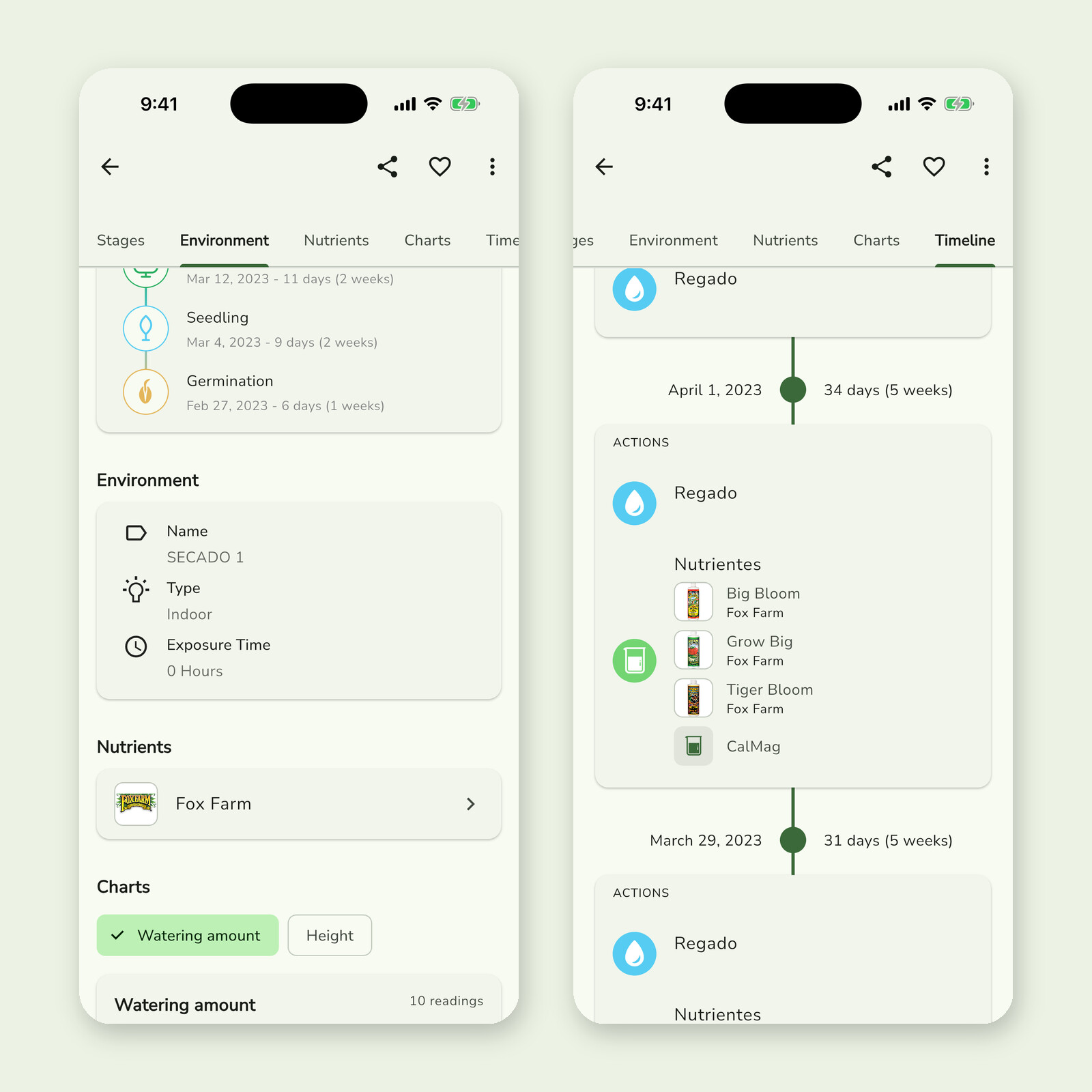
- Growlogs now show the nutrient brands each plant used, with a link to the brand page.
- Every feeding in the timeline lists its products. Catalog products show their photo and brand.
 My Equipment and the environment page
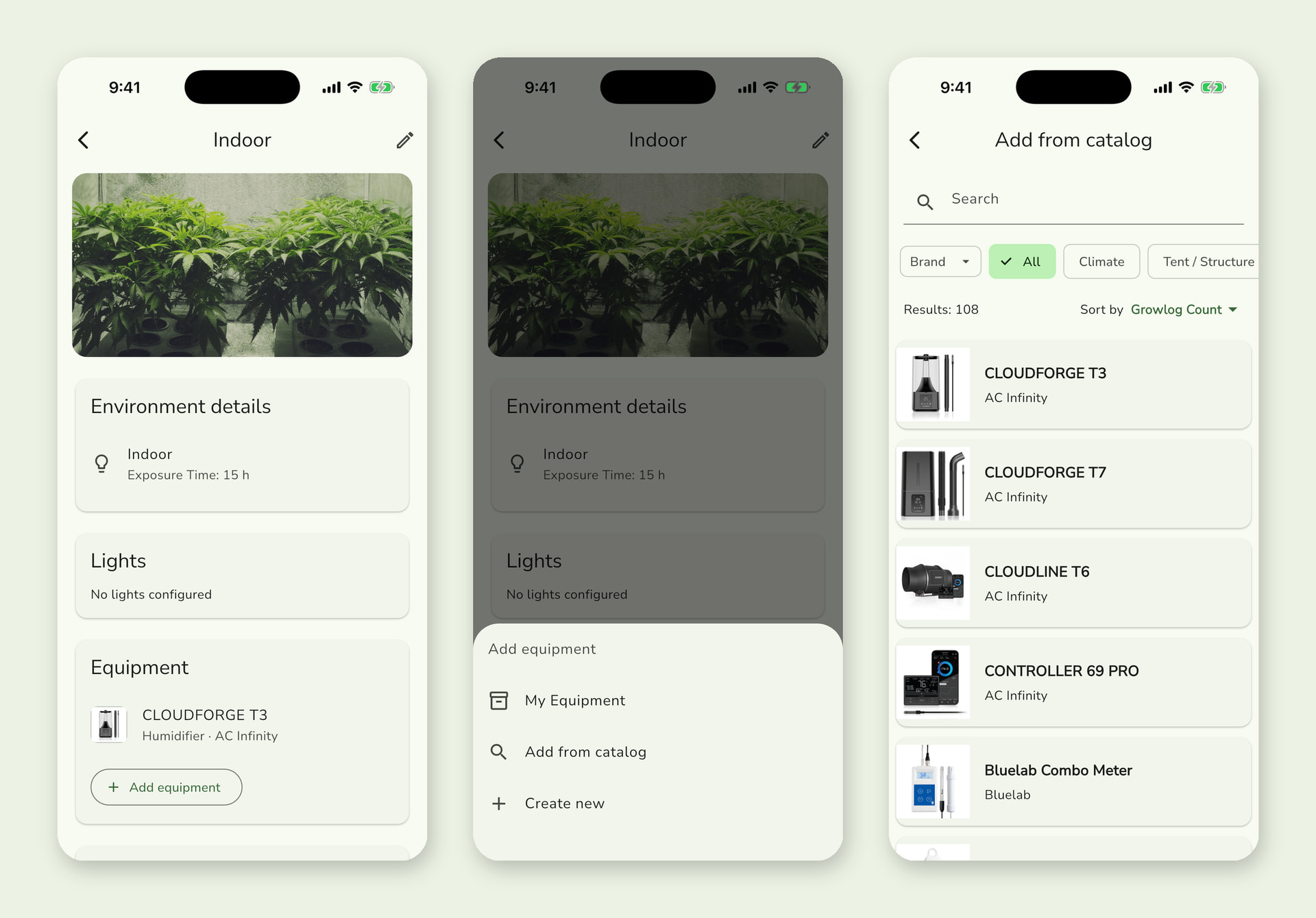
Add your lights and equipment from the catalog, or create your own, and assign them to your environments. Each environment now has its own page with its photo, settings, lights, equipment and plants.
Your equipment also shows up in your public growlogs. Private notes and purchase details stay private.
 More in this release
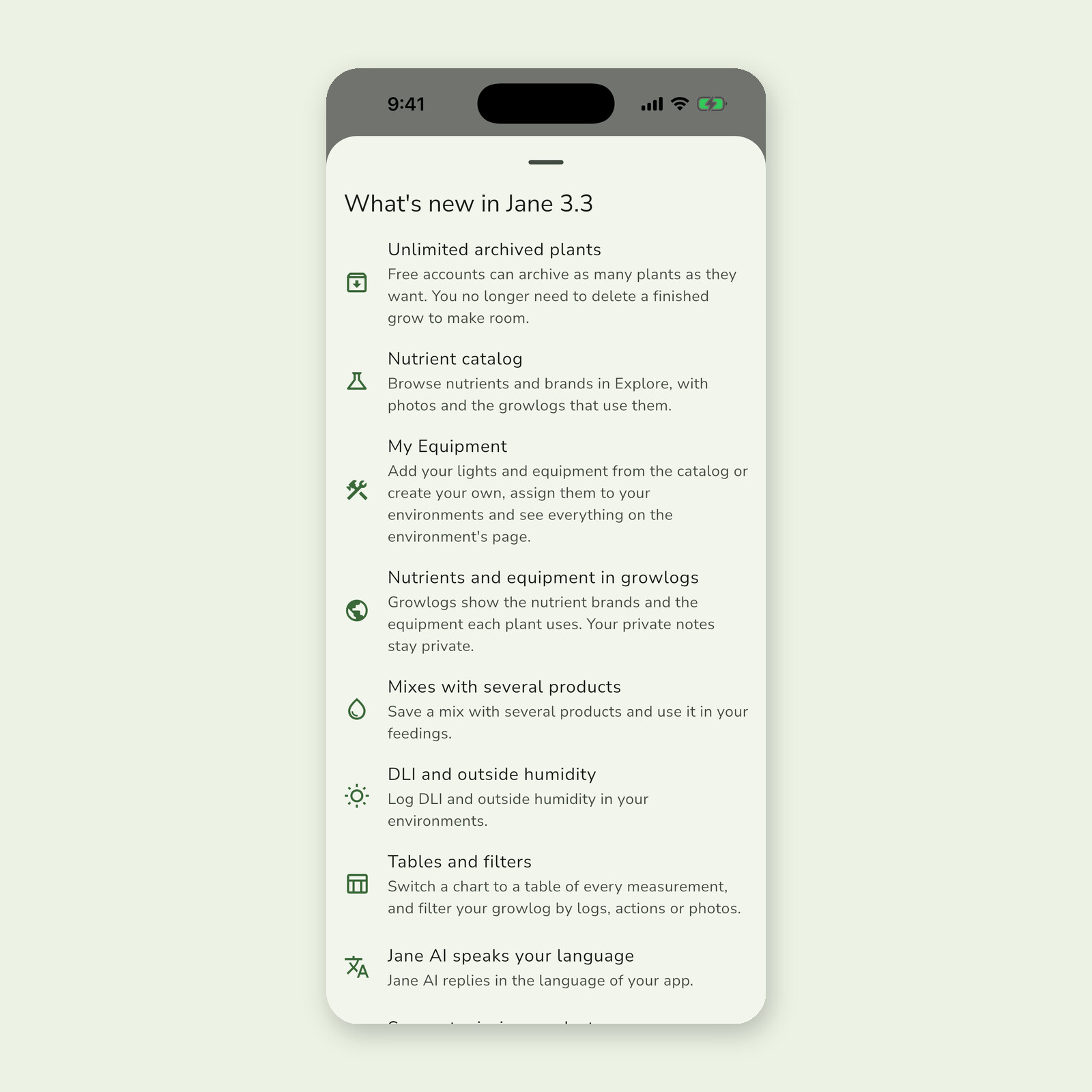
- Mixes with several products: save a mix with more than one product and use it in your feedings.
- DLI and outside humidity: log both in your environment logs.
- Chart tables: switch any chart to a table with every measurement.
- Suggest missing products: propose a missing strain, nutrient or piece of equipment with a website or link.
- Unlimited archived plants: free accounts can archive as many plants as they want (in case you missed it in 3.2).
- Fixes: negative temperatures are saved correctly, cancelling a measurement edit discards it, min/max values are validated, Jane AI replies in the language of your app, and photos stay in order after you change their date.
After you update, the app shows a short summary of what’s new. You can open it again anytime from Settings > What’s new.
 Bonus: nutrients on the web
The nutrient catalog is also on the website at growithjane.com/nutrients. Browse and filter by brand, open product and brand pages, and see the growlogs that use each product. Growlogs on the web show their nutrients too.
 Coming next: the app on the web
The nutrient catalog is just the start. Our next update brings the app’s main features to growithjane.com, so you can follow your grow from your computer with the same account and the same data:
- Your garden: plants, environments, equipment, nutrient mixes and strains.
- Actions, reminders and charts for your plants and environments.
- Home and journal, with your calendar and toolbox.
- Feeding plans, gallery and calculators.
- The community inside the site: forum, contests and badges.
We’ll post here when it’s live.
Update the app and tell us what you think in this thread. Found a bug, or a nutrient or piece of equipment that’s missing? Post it here or propose it from the app. Happy growing! 
 … now you’ve added the environment log, which I really like having, I think it’s a great addition, but I think it would be nice if when you do the environment log and add measurements like “ppfd, ambient temperature, light distance, humidity” it directly copies it and adds it to the plant log, so you don’t have to do it 2 times separately
 maybe not ppfd because it might depend on what height the plant is inside the environment, but the other generic parameters like humidity and temperature