Hey Growlings! 
Since the translator came up again in the chat today, I thought it would be useful to share a little tip about how to use it.
Sometimes the automatic translator doesn’t display everything that’s included in the original post. You may see only part of the message, and things like photos or links (including Growlog links) may not show up.
If something seems to be missing, just turn the translation off and check the original post. You can turn it back on whenever you need it, by clicking or touching the translator icon:
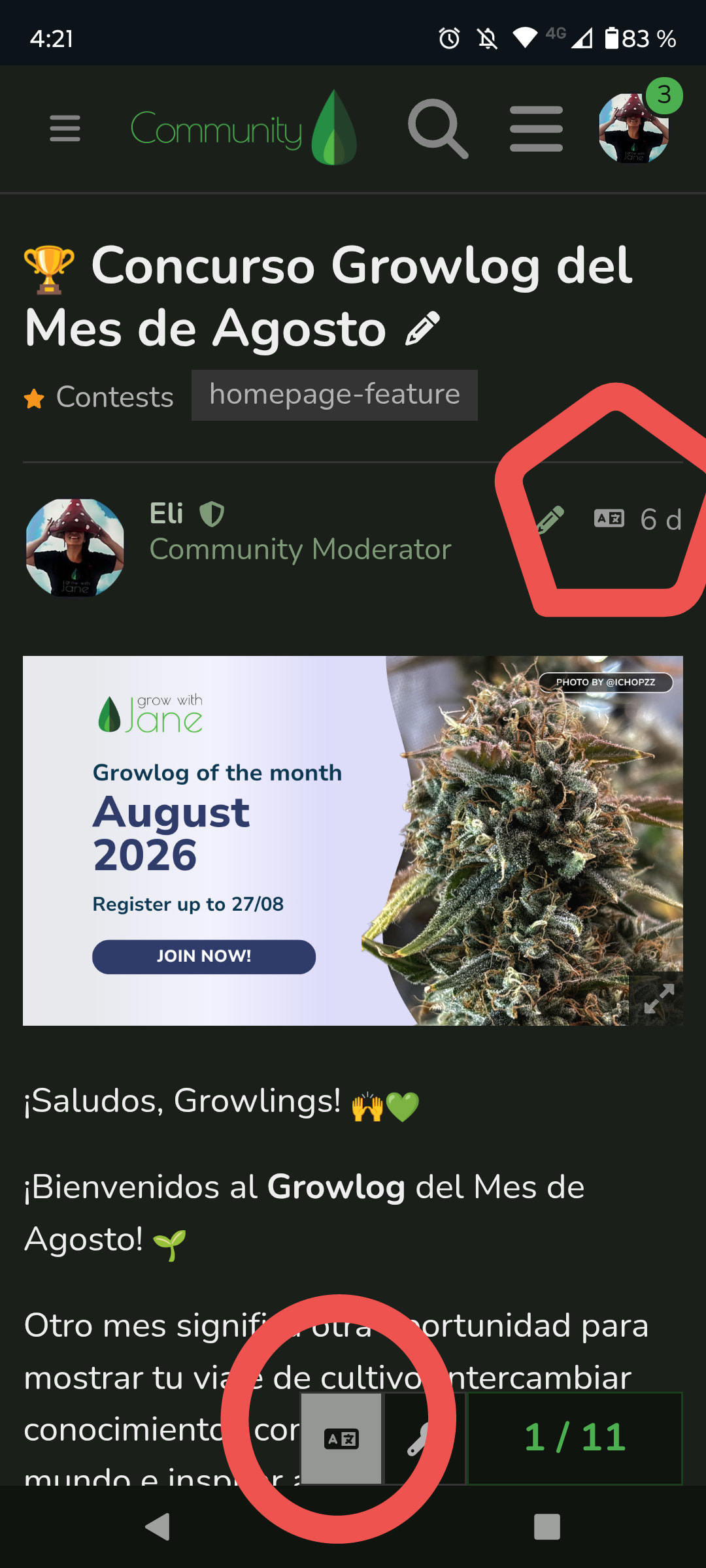
So, if someone says “here’s my Growlog” and you can’t find any link, or they’re talking about a photo you can’t see, check the original before assuming it’s not there. 
The translator is still very useful when we have so many different languages in the Community. Just keep this little quirk in mind when something doesn’t look quite right.
》Happy Growing!《

